
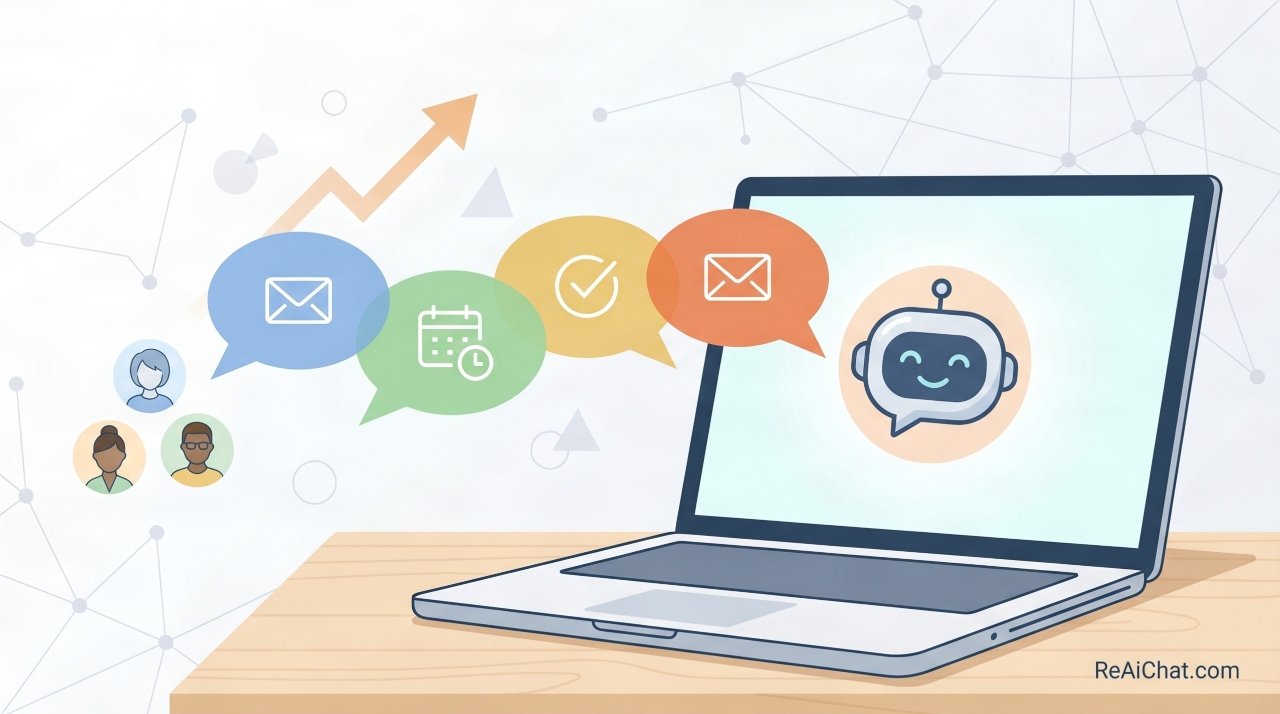
Businesses lose 98% of website visitors without ever knowing who they were. That number is brutal, but it is also an opportunity. A chatbot for lead generation sits on your website around the clock and starts conversations that your contact form never could.
This article gives you a clear picture of how lead generation chatbots actually work, what makes them effective, and exactly how to start using one without wasting money on the wrong setup. You will know what questions to ask, what mistakes to skip, and what a realistic result looks like. No fluff, no vendor hype — just a straight explanation from someone who has watched these tools work and fail up close.
If you have been thinking about adding a chatbot but are not sure whether it is worth it or where to start, you are in the right place. By the end, you will be ready to make a real decision.
Who Gets the Most Out of This Article
This article is written for small business owners, marketing managers, and sales team leads who are getting decent traffic to their website but are not converting enough of it into actual leads. You are probably running ads, publishing content, or doing some outreach — but the leads coming in are not consistent.
You may have tried a contact form or a pop-up, and the results were disappointing. You are not a developer, and you do not want to build something from scratch. You just want to know: will a chatbot for lead generation actually work for my business, and how do I do it right? That is exactly what this covers.
What a Lead Generation Chatbot Actually Does
A chatbot for lead generation is not a customer service tool. That distinction matters. Customer service bots answer questions for existing customers. A lead generation chatbot is designed to talk to strangers — the people who just landed on your site and are not sure yet whether they want to give you their email address.
The job of the bot is simple: start a conversation, figure out who the visitor is, and collect enough information to decide if they are worth a follow-up. Done well, the bot asks a few short questions, captures a name and email, and drops that contact directly into your CRM or email system. Done poorly, the bot fires off a wall of text, asks for too much too fast, and the visitor closes the tab.
The key difference between a chatbot that generates leads and one that annoys people is the conversation design. Research on live chat response expectations shows that 46% of consumers prefer using chat features over any other contact method because of the immediate response. A good bot feels like a helpful assistant. A bad one feels like a survey.
Most people searching this topic assume the technology is the hard part. It is not. Setting up a chatbot platform takes about an afternoon. Writing a conversation flow that actually converts visitors into leads — that takes thought.
Here is where chatbots pull ahead of static forms: they respond instantly, they work at 2 a.m., and they adapt based on what the visitor says. A form asks the same questions every time regardless of who is filling it out. A chatbot can take a different path depending on how someone answers the first question. That flexibility is what makes a chatbot for lead generation worth the investment.
How to Make a Lead Generation Chatbot Actually Work
Start With One Goal Per Bot
The biggest mistake people make is trying to do too much at once. One chatbot should have one job. If you are running a software company, pick one: either capture demo requests or collect email subscribers. Do not build a bot that tries to do both.
When a bot has one goal, the conversation stays short and focused. Visitors are more likely to finish a short conversation than one that drags on. Keep the flow to five questions or fewer. That is usually enough to qualify someone and collect their contact information.
Write a Script That Sounds Like a Human
Chatbot copy is its own skill. Most businesses copy their form fields directly into the bot — “Please enter your name,” “Please enter your email” — and wonder why nobody responds. That reads like a robot, not a conversation.
Instead, write like you are texting someone. “Hey, quick question — what brings you here today?” gets a much better response than “Please describe your reason for visiting.” Test your script by reading it out loud. If it sounds awkward, rewrite it.
A specific example: a local home renovation company replaced their contact form with a chatbot that opened with “Looking to get a quote, or just browsing?” That one question filtered visitors into two paths and increased their qualified leads by 40% in the first month. The technology did not change — the conversation did.
Qualify Leads Before You Collect Their Email
Most chatbots ask for the email address too early. Visitors have not decided they trust you yet. Ask one or two qualifying questions first. Find out what they need, how big their project is, or what their timeline looks like. Then ask for the email as a natural next step — “Great, I’ll have someone reach out with options. What’s the best email for you?”
This approach does two things. First, it filters out visitors who are not ready to buy, so your sales team does not waste time chasing cold prospects. Second, it builds just enough rapport that giving an email feels like a fair exchange. Qualified leads are worth 10 times more than a raw list of email addresses. Average website conversion rates by industry typically hover between 2% and 5%, meaning most lead generation strategies are already fighting an uphill battle without better qualification.
Pick the Right Trigger for Your Chatbot
A chatbot that pops up the second someone lands on your page will get ignored or closed. People need a moment to understand where they are before they are ready to engage.
Set your bot to appear after 10 to 15 seconds, or after the visitor scrolls down 40% of the page. These triggers mean the visitor is already engaged before the bot shows up. Some tools let you trigger the bot when someone tries to leave the page — this works especially well on pricing pages where people are weighing a decision.
The timing of when the bot appears has a direct effect on how many people actually talk to it. Test two or three triggers and look at your engagement rate to find what works for your audience.
Connect the Chatbot to Your Sales Workflow
A chatbot for lead generation that is not connected to your sales process is just a toy. Every lead the bot captures should flow automatically into your CRM, your email marketing platform, or at minimum a spreadsheet that someone checks daily.
Most modern chatbot tools — Tidio, Drift, Intercom, Landbot, and others — have native integrations with tools like HubSpot, Salesforce, Mailchimp, and Zapier. Set up the integration before you launch the bot. If a lead falls into a black hole because nobody was watching the inbox, that is worse than having no chatbot at all.
The follow-up speed matters enormously. Research consistently shows that responding to a new lead within five minutes makes you far more likely to connect with them than waiting even an hour. Automate a confirmation email to go out the moment someone submits their information. Let them know a real person will follow up soon. That small step keeps the lead warm.
What Most Articles on This Topic Get Wrong
Most articles about using a chatbot for lead generation treat compliance as an afterthought. They tell you to set up the bot, write the script, and start collecting emails. Almost none of them mention that collecting personal data through a chatbot carries legal responsibilities.
If your visitors are in the European Union, you need to meet GDPR requirements. That means you need clear consent language before you collect an email address, and you need to tell people how their data will be used. In the United States, certain industries like healthcare and finance have their own rules around data collection.
A simple fix: add a one-line disclosure to the point in your chatbot where you ask for personal information. Something like “By sharing your email, you agree to our privacy policy” with a clickable link. Check the official GDPR guidelines for collecting user data to make sure your setup is compliant. Skipping this step is not just a legal risk — it also damages trust with the exact people you are trying to convert.
How to Take Action Starting This Week
Here is exactly what to do first. Sign up for a free trial of a chatbot platform — Tidio and Landbot both offer free plans that are good enough to test with. Do not pay for anything yet.
Pick one page on your site that gets consistent traffic. Your homepage or your pricing page are good starting points. Write a five-question script with one clear goal: capture a name, email, and one qualifying detail like budget or timeline.
Set the bot to appear after 15 seconds. Connect it to your email tool or CRM using the platform’s built-in integration. Run it for two weeks without changing anything. After two weeks, look at how many people started a conversation, how many finished it, and how many became real leads. That data tells you what to fix next.
Compare the top chatbot platforms if you want to go beyond the free tier. Most businesses find their ideal tool by starting simple and upgrading once they know the bot is working.
The One Thing Worth Taking Away
A chatbot for lead generation works when the conversation is designed well, the timing is right, and the leads flow into a system someone actually acts on. The platform you pick matters far less than the script you write and the follow-up process behind it.
Start small. Pick one page, one goal, and one simple conversation flow. Give it two weeks. The results will tell you everything you need to know about whether to invest more.
If you are ready to stop guessing and start testing, set up your first free chatbot trial today. Build one conversation, put it live, and see who starts talking back.