

Over 77% of marketers already use some form of AI in their content workflow — and bloggers are catching up fast. If you’re still writing every single word, researching every keyword, and creating every image completely by hand, you’re spending way more time than you need to.
This guide covers the best AI tools for bloggers in 2026 — broken down by what each one actually does, whether there’s a free version, and how you can use them together as a real system. You don’t need to be a tech person to use these tools. You just need to know where to start.
Why Bloggers Are Turning to AI in 2026
AI tools have gotten genuinely good this year. We’re not talking about clunky auto-generated text that sounds like a robot wrote it in 2019. Today’s AI tools help you brainstorm faster, write cleaner drafts, fix grammar, find keywords, and even create images — all without a design degree or a huge budget.
The biggest mistake most beginners make? They grab one tool, expect magic, and give up when it doesn’t write a perfect post in 30 seconds. That’s not how this works. AI is your assistant, not your ghostwriter. You still bring the ideas, the personality, and the final edit. The tools just help you get there faster.
Here’s the thing: you don’t need all of these tools at once. Pick one from each category, try it for two weeks, and build from there.
The 5 Categories Every Blogger Needs

Before we get into specific tools, it helps to know what areas AI can actually help you with. These five categories cover the full blogging workflow:
- Writing & drafting — generating outlines, first drafts, and headlines
- SEO & keyword research — finding what people actually search for
- Editing & grammar — catching errors and improving your tone
- Image creation — making visuals without a designer
- Ideas & planning — beating writer’s block and planning your content calendar
Each category has both free and paid options. You can build a solid setup spending $0 per month if you’re just starting out.
Best AI Writing Tools for Bloggers
Writing is where most bloggers spend the most time — and where AI helps the most.
ChatGPT (Free + Paid)
ChatGPT’s official page is where millions of bloggers start, and for good reason. You give it a topic, a tone, and an audience — and it gives you a solid outline or first draft in under a minute.
The free version (GPT-3.5) works fine for basic drafts and brainstorming. GPT-4o (the paid version at $20/month) produces noticeably better writing, especially for technical or nuanced topics.
What to do with it: Don’t paste ChatGPT’s output directly onto your blog. Instead, use it to get a rough draft, then rewrite it in your own voice. This keeps your content authentic — and your readers will feel the difference. Not ready to pay for ChatGPT Plus yet? Check out our list of free ChatGPT alternatives that actually work — some of them are surprisingly good.
Honest downside: ChatGPT sometimes makes up facts (called “hallucinations”). Always fact-check anything specific — stats, quotes, or dates — before publishing.
Jasper AI (Paid)
Jasper is built specifically for content creators and marketers. It starts at around $49/month, which feels steep, but it includes templates for blog posts, social captions, email subject lines, and more.
Its “Blog Post Wizard” feature lets you input your keyword and target audience, and it builds a structured post with an intro, body, and conclusion. For bloggers who publish frequently, the time savings add up quickly.
What to do with it: Use Jasper’s templates as a starting framework. Fill in your own examples, personal stories, and specific data to make the content yours.
Copy.ai (Free + Paid)
Copy.ai has a generous free plan that gives you access to over 90 writing templates. It’s great for headlines, introductions, product descriptions, and short-form content.
The free plan limits you to around 2,000 words per month, which isn’t much if you publish regularly. But it’s a great way to test the tool before paying.
Best AI SEO Tools for Bloggers
Writing great content means nothing if nobody finds it. These tools help you pick the right topics and optimize your posts before you hit publish.
Surfer SEO (Paid)
Surfer SEO analyzes your target keyword and tells you exactly what to include in your post — word count, headings, related terms, and even how many images to use. It compares your draft against the top-ranking pages in real time.
Plans start at around $89/month, which makes it a tool for bloggers who are serious about growth. The SEMrush keyword research guide is a great free resource to use alongside Surfer if you’re on a tighter budget.
What to do with it: Write your draft first, then run it through Surfer. Let the suggestions guide your edits, but don’t stuff in keywords unnaturally. Google rewards readable content, not keyword-heavy walls of text.
Semrush (Free Trial + Paid)
Semrush is one of the most trusted SEO platforms in the industry. Its free plan lets you run 10 searches per day, which is enough to find solid keyword ideas when you’re starting out.
Use the “Keyword Magic Tool” to find long-tail keywords — phrases with lower competition that are easier to rank for when you’re a new blogger.
RankMath (Free + Paid — WordPress Plugin)
If your blog runs on WordPress, RankMath is a must-have. The free version gives you real-time SEO scoring as you write. It checks your keyword usage, meta description, readability, and internal links — all inside your WordPress editor.
It won’t do your research for you, but it tells you whether your post is ready to publish from an SEO standpoint. That’s a genuinely useful checkpoint.
Is AI Content Bad for SEO?
This is the question most beginner bloggers ask first — and the answer is: it depends on how you use it.
Google’s helpful content guidelines are clear: they care about whether content is helpful and written for humans, not whether a human or AI generated it. A lazy AI-generated post with no original insight will struggle to rank. A well-edited, genuinely useful post that used AI for assistance can rank just fine.
The key difference is originality. Add your own experience, opinions, examples, and edits. Make the post something only you could have written — even if AI helped you get the first draft down.
Best AI Editing Tools for Bloggers

Even great writers make mistakes. These tools catch what you miss.
Grammarly (Free + Paid)
Grammarly is the most popular AI grammar and style checker available. The free version fixes grammar, spelling, and punctuation. The premium version ($12/month billed annually) also improves clarity, tone, and engagement.
You install it as a browser extension, and it works directly inside Google Docs, WordPress, or wherever you write. It’s the easiest AI tool on this list to start using today.
What to do with it: Run every post through Grammarly before publishing. Pay special attention to its tone suggestions — they’ll tell you if your post sounds too formal or too casual for your target audience.
Hemingway Editor (Free)
Hemingway Editor highlights sentences that are too long, phrases that are too complex, and words with simpler alternatives. It gives your post a readability grade. Aim for Grade 6–8 for most blog audiences.
The web version is completely free at hemingwayapp.com. You paste your text in, make edits, and paste it back. It’s not flashy — but it genuinely improves readability every time.
Best AI Image Tools for Bloggers
Your readers decide whether to stay or leave within seconds. A good featured image keeps them reading.
Canva AI (Free + Paid)
Canva’s AI features let you generate images, remove backgrounds, resize graphics, and write alt text — all inside the same design tool you might already use. The free plan covers most of what a beginner blogger needs.
The “Magic Media” feature generates images from text prompts. Type “professional woman working at laptop, warm lighting, clean desk” and you’ll get a usable image in seconds.
Adobe Firefly (Free Credits + Paid)
Adobe Firefly produces some of the most photorealistic AI images available to bloggers right now. It’s built for commercial use, meaning the images are safe to publish without copyright concerns.
New accounts get free monthly credits. If you publish image-heavy content or run a lifestyle, food, or travel blog, this tool is worth exploring.
DALL·E 3 (via ChatGPT Plus)
If you already pay for ChatGPT Plus, you have access to DALL·E 3 image generation built right in. Type your image description in the same chat window where you draft your post. It’s convenient and the output quality is solid for blog use.
Best AI Tools for Blog Ideas and Planning
Writer’s block is real. These tools help you stay consistent without burning out.
HubSpot Blog Idea Generator (Free)
HubSpot’s blog idea generator is one of the simplest tools on this list. Enter up to five nouns related to your niche, and it spits out a week’s worth of blog post ideas instantly. It’s not AI in the flashy sense, but it works, and it’s completely free.
What to do with it: Use the generated titles as inspiration, not copy-paste headlines. Tweak them to match your audience’s language and your blog’s voice.
Notion AI (Paid Add-on)
Notion AI turns your planning workspace into a content machine. It can generate content calendars, summarize your research notes, draft outlines, and even suggest post ideas based on your previous content.
The AI add-on costs $10/month on top of your Notion plan. For bloggers who already use Notion to stay organized, it’s a natural upgrade.
A Simple Starter Workflow for Beginners
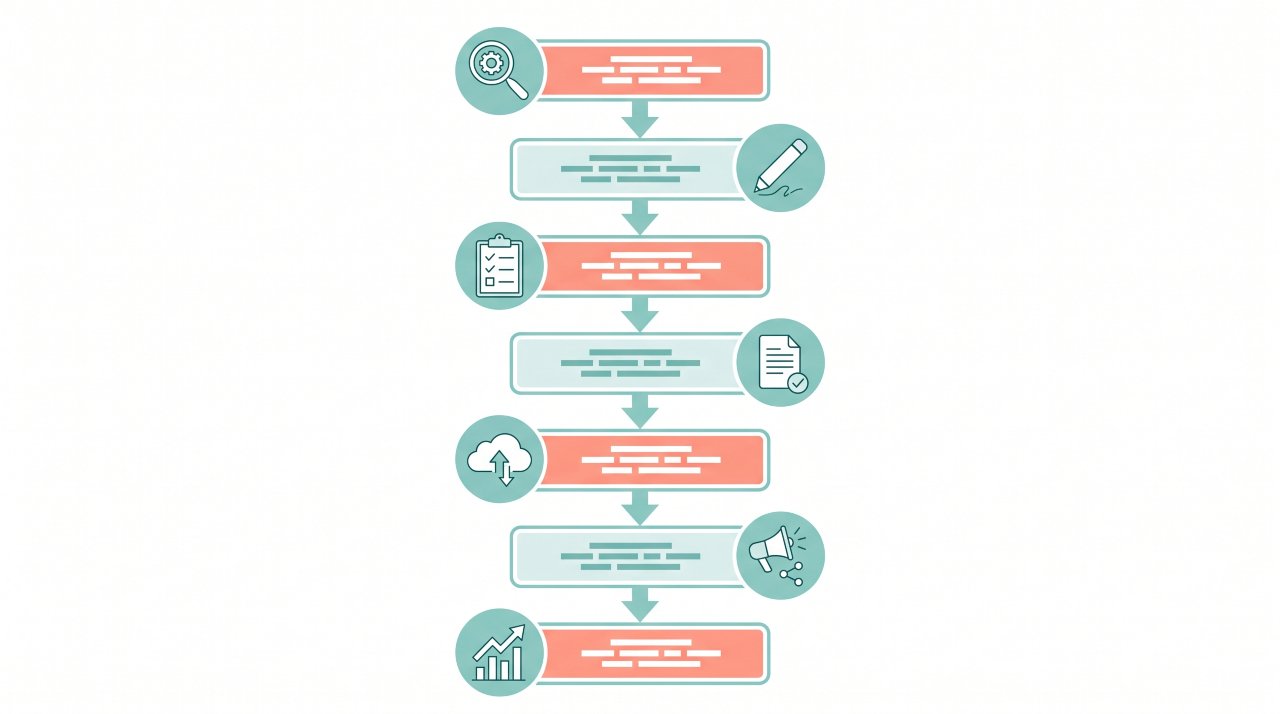
Here’s how you can combine these tools into one manageable system — even if you’ve never used AI before:
| Step | Task | Tool to Use | Free Option? |
|---|---|---|---|
| 1 | Find your keyword | Semrush | Yes (10/day free) |
| 2 | Generate an outline | ChatGPT | Yes |
| 3 | Write your first draft | ChatGPT or Jasper | Yes (ChatGPT) |
| 4 | Check SEO score | RankMath | Yes |
| 5 | Edit for clarity | Hemingway Editor | Yes |
| 6 | Fix grammar | Grammarly | Yes |
| 7 | Create featured image | Canva AI | Yes |
You can run this entire workflow for free. It won’t be as fast or polished as the paid versions — but it gets you publishing consistently, which matters more than perfection at the start.
Honest Limitations You Should Know
AI tools aren’t perfect — and no article should pretend they are.
They can get facts wrong. ChatGPT and similar tools sometimes generate plausible-sounding but inaccurate information. Always verify statistics, quotes, and data before publishing.
They don’t know your audience like you do. AI writes for a general audience. You know your readers’ specific questions, frustrations, and language. Your human judgment is what makes AI content actually connect.
They can make posts sound generic. If you publish raw AI output without editing, your blog will feel flat. The bloggers who do well with AI are the ones who use it as a starting point, not a final product.
Some tools are expensive. Jasper and Surfer SEO both cost $40–$90+ per month. Start free, prove the value to yourself, then upgrade when you’re ready.
Frequently Asked Questions
What is the best AI tool for writing blog posts?
ChatGPT is the most widely used AI writing tool for bloggers right now. It’s free to start, works for any niche, and handles everything from outlines to full drafts. Jasper is the best paid option if you want more structured blog-specific templates.
Can AI write entire blog posts for you?
Yes, but you probably don’t want it to — at least not without heavy editing. AI-generated posts published without edits tend to sound generic and miss the personal touch that builds an audience. Use AI to draft, then rewrite in your own voice.
Are AI tools for blogging free?
Many of the best AI tools for bloggers have solid free plans. ChatGPT, Grammarly, Hemingway Editor, Canva, and RankMath all offer free versions that cover the basics. You can build a full workflow without spending anything when you’re starting out.
How do bloggers use ChatGPT?
Most bloggers use ChatGPT for brainstorming ideas, generating outlines, writing first drafts, and creating meta descriptions. Some also use it to rewrite sections that feel unclear or to generate headline variations. It’s most useful as a speed tool, not a replacement for original thinking.
Will AI content hurt my Google ranking?
Not if you do it right. Google’s guidelines focus on whether content is helpful and made for humans — not how it was written. Well-edited, original AI-assisted content can rank well. Thin, generic AI content with no real value will struggle, just like thin human-written content would.
How many AI tools do I actually need?
Honestly? Start with two or three. A writing tool (ChatGPT), an editing tool (Grammarly or Hemingway), and an image tool (Canva) cover the essentials. Add SEO tools once you’re publishing regularly and want to grow your traffic intentionally.
Your Next Step Starts With One Tool
You don’t need to overhaul your entire blogging process this week. Pick one tool from this list — the one that solves your biggest current problem — and use it on your next post.
If writing takes forever, try ChatGPT. If your posts feel error-prone, install Grammarly & if you struggle to find topics, use HubSpot’s idea generator.
Start small, build the habit, and add tools as your blog grows. The bloggers who get ahead with AI in 2026 aren’t the ones with the most tools — they’re the ones who actually use what they have.